The local server
The local server binds to loopback and needs a token.
How you got here: Desktop app One server for everything Opening the web app
Show previous steps 3
Install 1
- Desktop app
Download the desktop app for your OS and open it.
The macOS zip holds Jumpgate.app and Jumpgate Terminal.app; Windows has jumpgate-tray.exe and jumpgate.exe; Linux has install.sh. Every download carries both Linux agents.
Show image
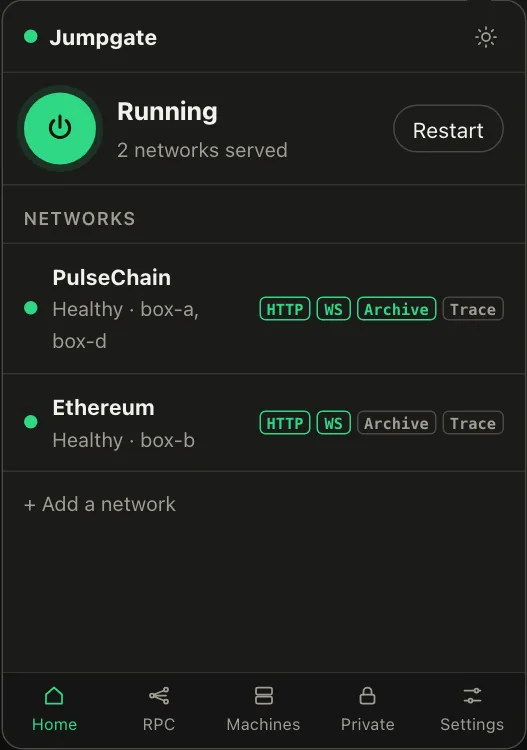
Illustration from the jumpgate.app demo, with made-up boxes; not a screenshot of the app.
Getting started 1
- One server for everything
The app, TUI and CLI share one background server.
Whichever starts first runs the server; quitting the TUI leaves it running and jumpgate stop ends it.
Commands 1
- Opening the web app
Sign a browser in to the local web app.
jumpgate open uses a one-time login link that works once, within 60 seconds, and only over loopback; tunnel with ssh -L from another machine.
- It binds to
127.0.0.1by default and needs a session token for every request, so nothing else on your machine can drive it without that token. - The token never appears on a command line or in the terminal.
- Login links work once, within 60 seconds, and only over loopback.