- Docs
- Getting started
- A node on your desktop
A node on your desktop
Run a node on a Mac or PC inside a Linux VM.
How you got here: Desktop app What a box needs
Show previous steps 2
Install 1
- Desktop app
Download the desktop app for your OS and open it.
The macOS zip holds Jumpgate.app and Jumpgate Terminal.app; Windows has jumpgate-tray.exe and jumpgate.exe; Linux has install.sh. Every download carries both Linux agents.
Show image
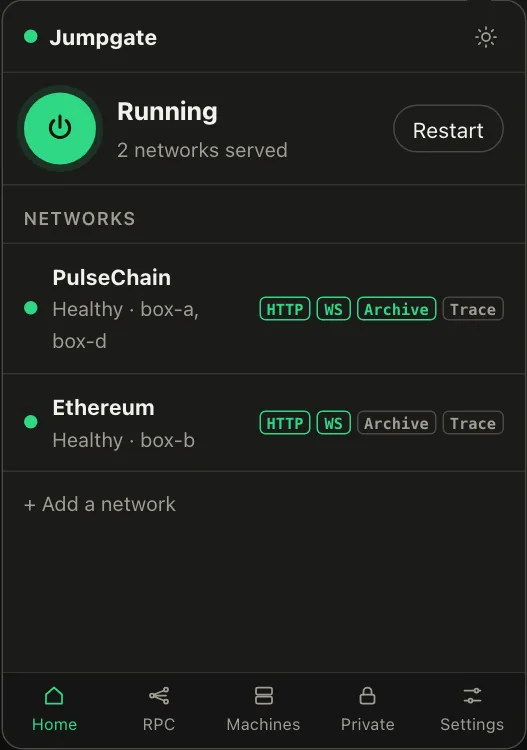
Illustration from the jumpgate.app demo, with made-up boxes; not a screenshot of the app.
Getting started 1
- What a box needs
A Debian or Ubuntu box with systemd, reachable as root over SSH.
Setup needs root (or passwordless sudo with --sudo) and checks Linux, systemd and disk first. The node itself runs as an unprivileged account.
Nodes run on Linux only. To run one on a Mac or PC, use a WSL2 or Lima VM as an ordinary Linux box and pair it over SSH.